Adding User
User Settings
The User Settings section allows administrators to add users and manage user permissions.
Accessing User Settings
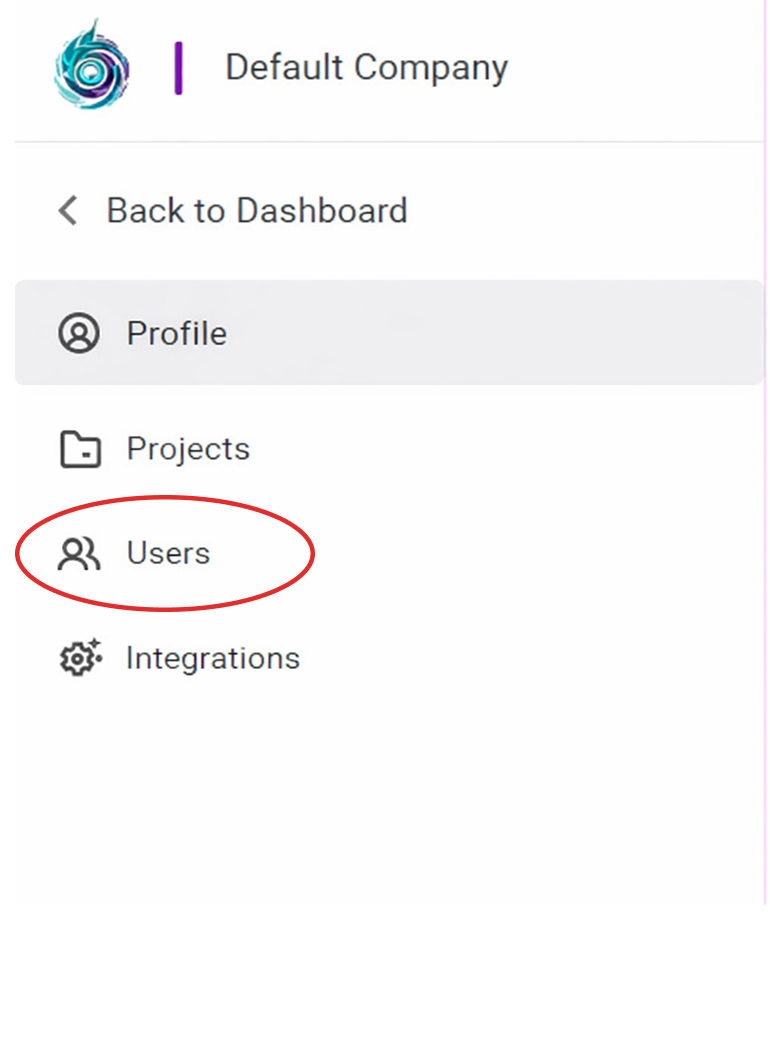
To access User Settings:
- Click Users from the left sidebar.
1. Adding Users
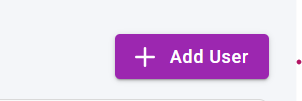
To add a new user:
- Click Add User in the top-right corner.
2. Adding User Information
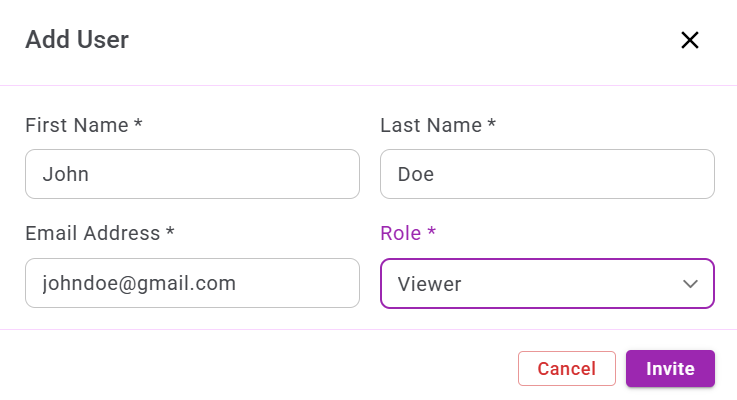
In the Add User window:
- Enter the First Name.
- Enter the Last Name.
- Enter the Email Address.
- Select the Role to assign.
- Click Invite.